Server dashboard
⌘0 puts every host on one screen: CPU, memory, disk, network and load, each with a CPU trend. Hosts with an open terminal reuse that connection, and polling never throws a dialog at you.
Native SSH client · macOS 15+
Swift-native, Metal-rendered. Connection reuse and infinite split panes. Passwords and keys live in your Keychain — nothing ever leaves your Mac.
v1.9.18 · macOS 15+ · Universal · Developer ID signed & notarized
Features
⌘0 puts every host on one screen: CPU, memory, disk, network and load, each with a CPU trend. Hosts with an open terminal reuse that connection, and polling never throws a dialog at you.
⌘⇧A opens a chat panel; the AI runs commands on the current session with per-command approval. 23 providers built in — Anthropic, OpenAI, Fireworks AI, DeepSeek to Ollama. Keys stay in your Keychain.
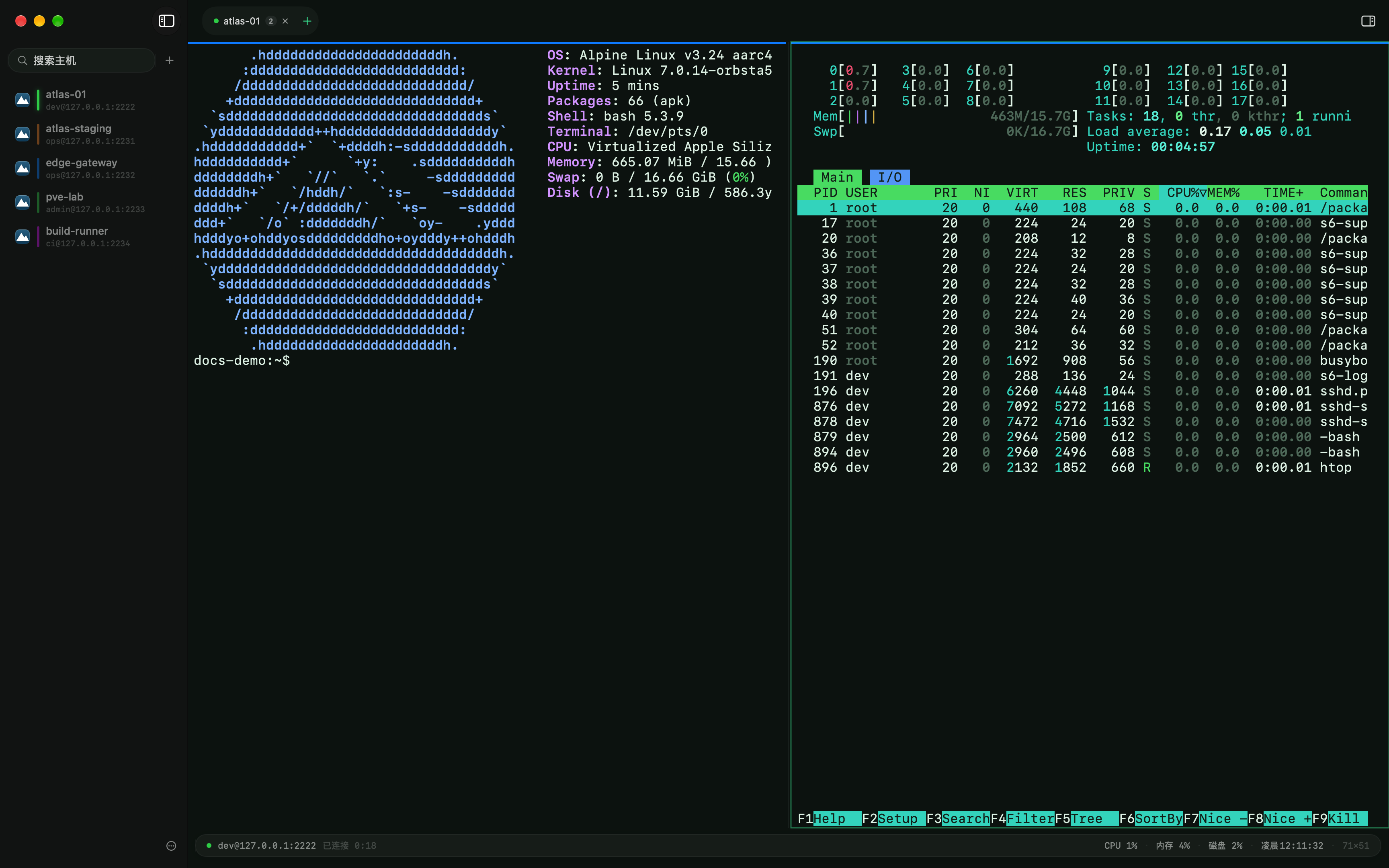
⌘T tabs and ⌘D splits share one SSH channel — no second handshake. Nest splits without limit; exit collapses the pane.
Chain jump hosts end to end. Local, remote and dynamic SOCKS5 forwarding, plus HTTP and SOCKS5 proxies outbound.
Generate or import keys. Touch ID verifies once per host per launch before a private key is used, and again after 15 idle minutes or when credentials change. known_hosts pinning with loud alerts on fingerprint changes.
Rides the session connection. Drag-and-drop transfers, edit remote files in your local editor with auto write-back, chmod, bookmarks, previews.
Auto-reconnect with exponential backoff, straight back to your working directory (OSC 7). Exit codes marked inline (OSC 133). Command highlighting and shell integration install on the remote with one click from ⌘I or ⌘P.
Per-host alert colors, so prod never looks like staging. Broadcast input across sessions; snippets with {{variables}}.
Keyboard first
Every Ctrl combo passes through to the shell — your Emacs and readline habits stay intact.
Themes
Nord, Dracula, Catppuccin, Solarized and friends ship built in — the screenshots above wear Emerald. Four themes are crafted just for Berth:
Security
Passwords, passphrases and private keys live in the macOS Keychain — never written to disk in plain text. JSON backups carry host structure only, no secrets.
No account, no cloud. Your host list lives on your Mac, syncs both ways with ssh_config, and moves with you any time.
FAQ